
Digital loyalty cards for Apple and Google Wallet
Keeperoo helps Australian businesses grow repeat customers. The card lives in your customer's phone, so it's with them every time they walk in.
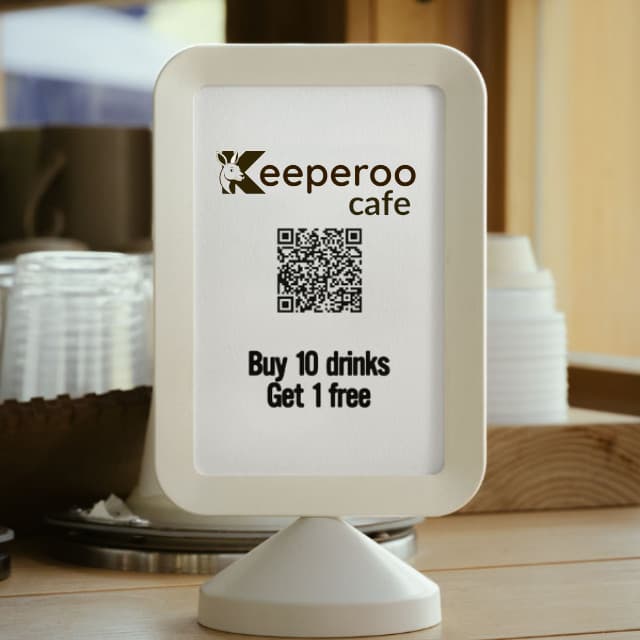
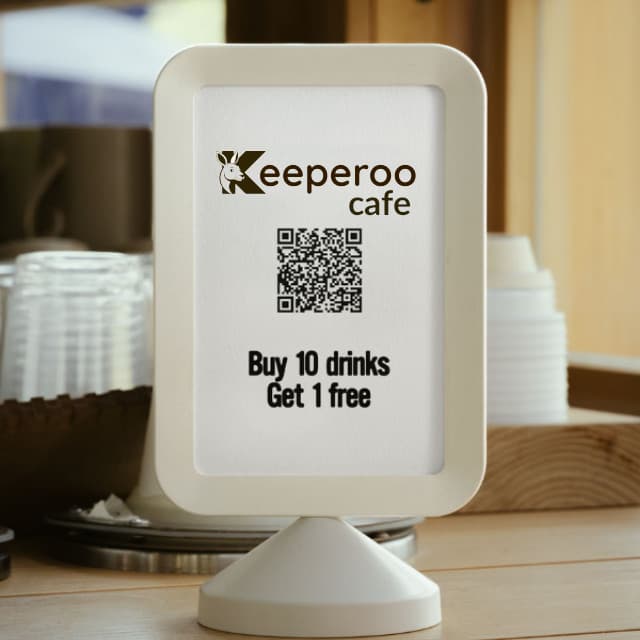
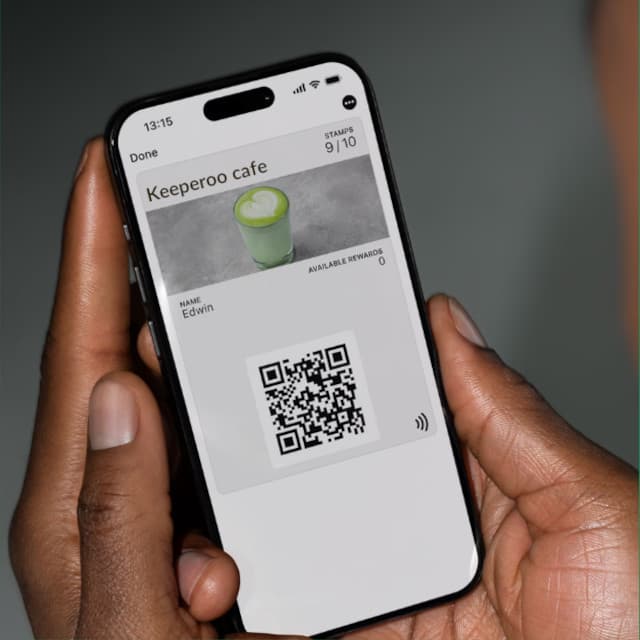
Quick to start • No setup fees • Cancel anytime

Built in Townsville
We moved to Townsville and collected fifteen cardboard loyalty cards in a month. We don't carry a wallet, so we never had the right one on us, but we kept going back to those shops anyway. The idea was working. The card was the problem.
We build Keeperoo, we answer the emails, and we do the onboarding ourselves.
More about Keeperoo
What You Get with Keeperoo
Everything you need to run a loyalty card and see whether it's working.
Digital loyalty cards
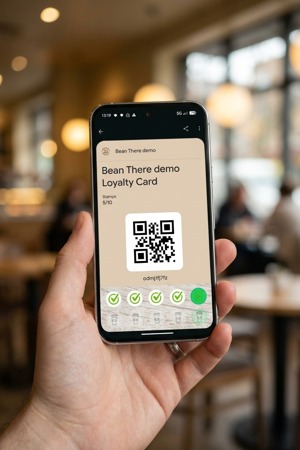
In Apple or Google Wallet. Nothing for customers to download, nothing to lose.
Fast stamping
Scan with any phone at the counter. Rewards stay accurate every time.
See who's coming back
Who's been in this week, who's been in this month, and who hasn't been back in a while.
Activity by device
Got more than one device or location? See stamps per month for each device.
Your member list
Download your members any time as Excel or CSV. It's your data.
Stamp notifications (beta)
Customers get a notification on their phone when a stamp lands.
Built for businesses where people come back
- Lash & brow salons
- Butchers
- Massage therapy
- Nail salons
- Hairdressers
- Pet grooming
How it works for you
Get started in 3 simple steps
1
Sign Up Your Business
Choose a subscription that fits your needs and confirm your business details.
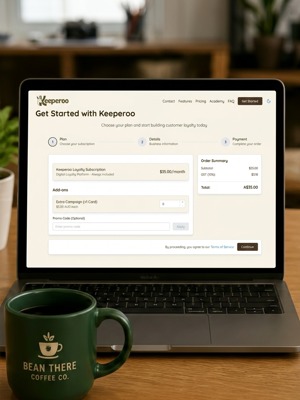
No lock-in contracts
2
Set up your scanning device
Use any iPhone or Android phone as your scanner. Link it to your account and set a simple passcode.
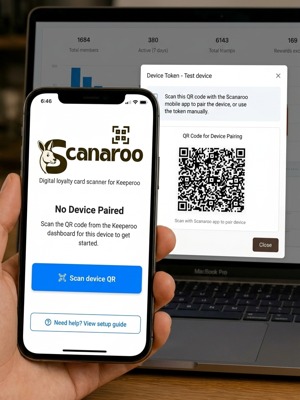
Use a spare phone, no extra hardware.
3
Start scanning
Place your QR code where customers can see it. Scan their loyalty card at checkout to issue stamps.
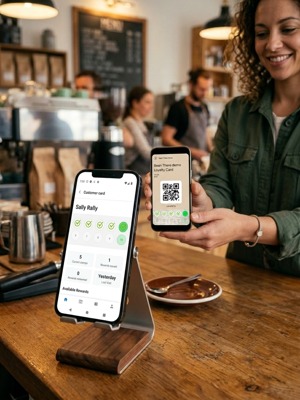
Issue stamps, redeem rewards, grow loyalty.
How it works for your customer
3 simple steps
1
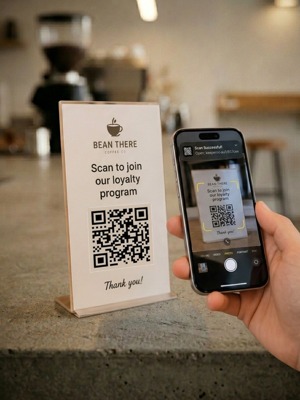
Scan the QR code
Scan the QR code at the counter to get your digital loyalty card.
2
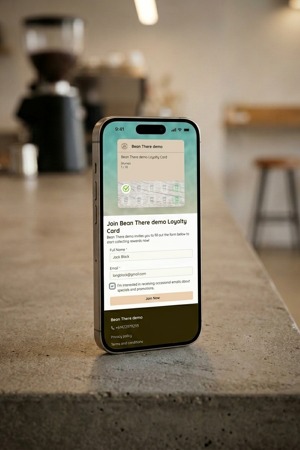
Enter your details
Fill out a quick form (name and email) to join the loyalty program.
3
Collect stamps
Show your card in-store to collect stamps.
$35 a month. No lock-in, no setup fee.
One flat plan, unlimited customers within your tier. See full pricing
Frequently Asked Questions
Everything you need to know about Keeperoo
Give your regulars a reason to come back sooner.
A card in their phone, stamps they can see, and a reward worth walking back for. Choose your stamps, choose your reward, print the QR code — you can be live before your next shift.
Set up with you on a 30-minute call · First month free · Then $35 a month · No lock-in contract